Motrix v1.2.x Release Note
Hello everyone, my name is Dr_rOot and I am the author of Motrix.
I am here to introduce you to the new features of Motrix v.1.2.X.
Motrix v1.2.X includes a number of new features in addition to some regular bug fixes. Mainly reflected in the integration with the operating system, making Motrix easier to use.
System Tray
A function that many people propose to implement, mainly to solve the pain point that Motrix process under Windows and Linux will automatically exit after all windows are closed and cannot be resident.
Motrix displays different tray icon depending on the download status.
Tray Icon Design
The macOS version of the system tray icon has a black design that is close to the design style of the macOS menu bar.

Normal status

Active status
Windows and Linux use a colorful icon as a system tray icon.
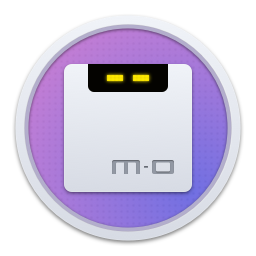
Normal status
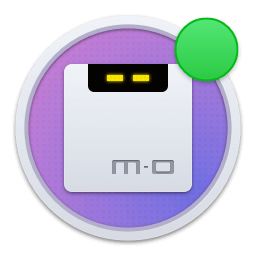
Active status
Functional difference
Due to API differences in the operating system, the tray icon function is somewhat different.
The small icon of macOS version supports clicking to show/hide the main form of the application; double-click to display the main form; right click to pop up the shortcut menu, the function of the specific menu item can be understood, it will not be introduced.
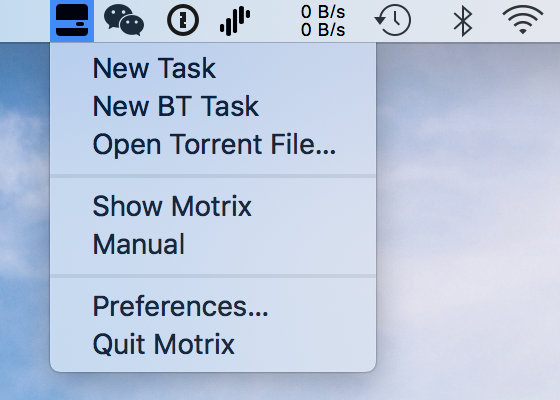
Tray menu
By the way, the macOS version also supports dragging seeds to small tray icons, and Windows and Linux system interfaces are not supported.
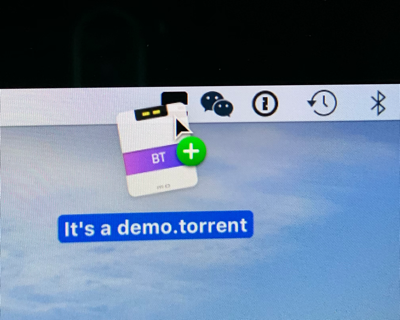
DnD
Support for associated .torrent files
The previous version of Motrix added BT task steps is really cumbersome, the latest version supports the associated torrent file, you can start Motrix by double-clicking the torrent file.
The exclusive seed icon, the icon has been shown on the top.
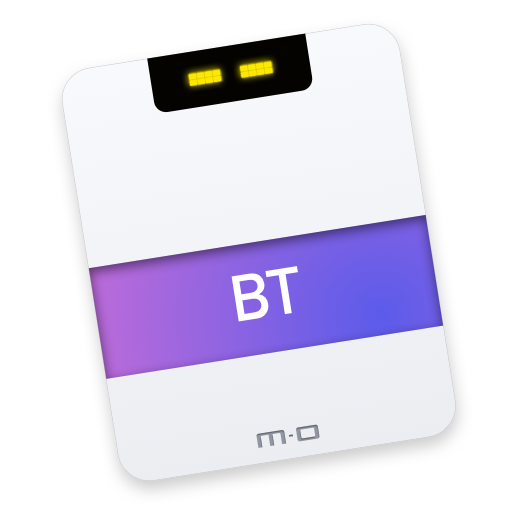
Torrent ico
The function menu of “Open torrent file” has also been added to the main menu and tray menu of the application. Support for selecting torrent and adding tasks.
It also supports dragging in the torrent to add tasks to the main application window, thanks to Kay for implementing this feature.
Internationalization
In addition to the existing Simplified Chinese and English versions, Motrix v1.2.X adds more language support, thanks to the community’s contribution🙏
- German by Schloemicher
- Français by gpatarin
- Portuguese (Brazil) by andrenoberto
- Türkçe by abdullah
- 繁體中文 by Yukaii
Some bug fixes
- Fix Windows and Linux failed to hide the menu bar.
- Fix a failure to associate deleted files when deleting tasks under Windows.
- Fix Linux dock might not display the Motrix icon.
- Fix missing translation of the supplemental interface.
- Fix clearing the most recently downloaded task failed.
- Fix the in-app message notification to show an overflow issue.
- Fix a problem that triggered a large amount of message memory triggering at one time.
- Feat add Windows 32bit support (Experimental)
Other
There are also some performance optimizations. In order to better support internationalization, the menu logic has been refactored to remove redundant menu configuration files. The task list has been limited to display a large number of tasks added at one time. Only 20 task item are displayed to prevent Motrix from being crashing (temporary solution).
Finally, I hope you will enjoy Motrix.
All the best.