Motrix v1.3.x Release Note
Hello everyone, my name is Dr_rOot and I am the author of Motrix.
Let me introduce the key feature updates of v1.3.x.
- Dark Mode
- Automatically check for updates
- Internationalization
Due to the busy work in the previous period, the previously planned “task list refactoring and classification optimization” was delayed : (
Dark Mode
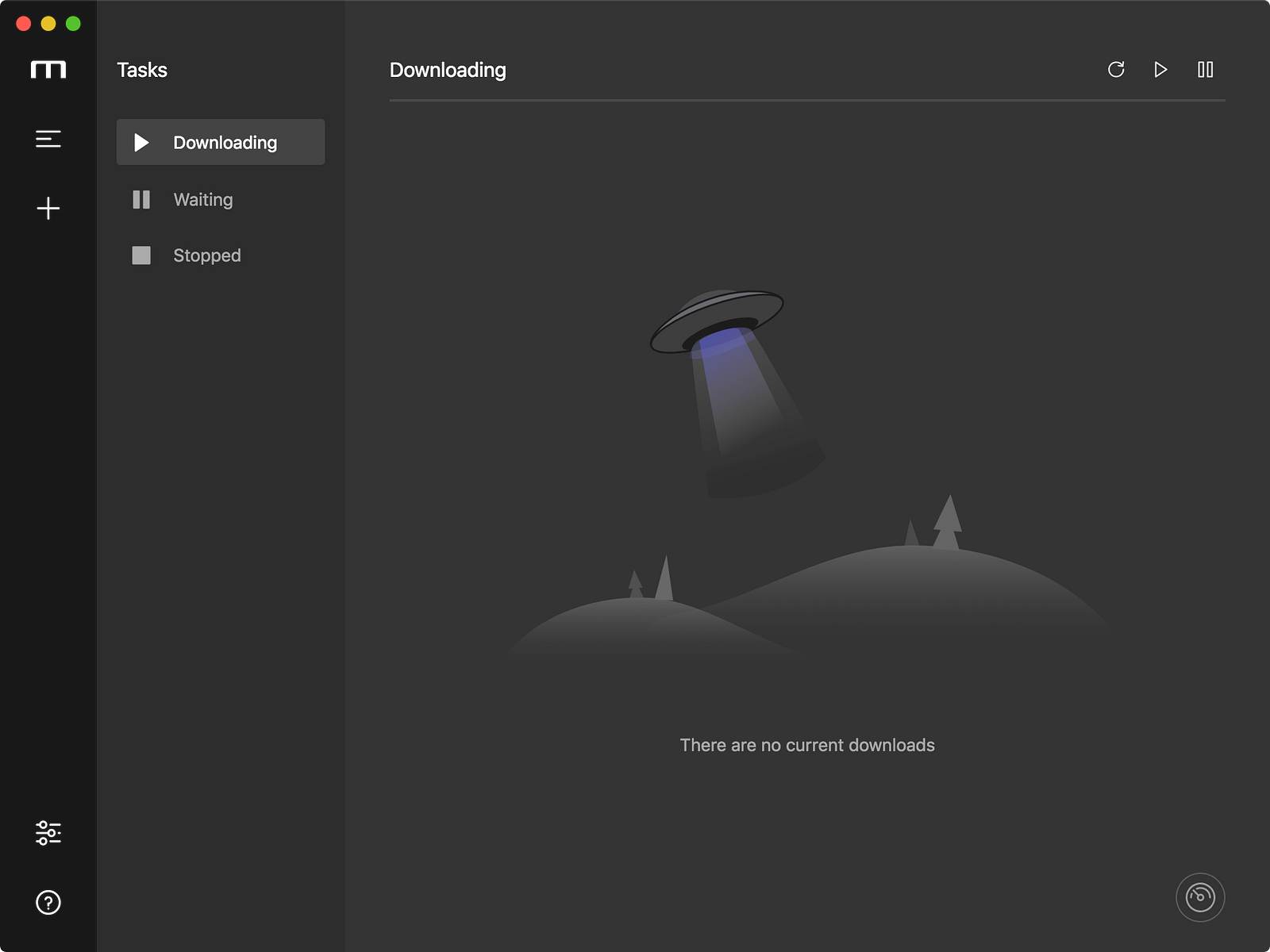
Tasks
How to enable
If you are a Windows or Linux user, you will need to manually switch the app appearance in Preferences — Advanced Settings — Appearance.
If you are a macOS user (the system has been upgraded to Mojave and the appearance set to dark mode), after Motrix is updated to v1.3.x, your Motrix look and feel has been automatically switched to dark mode, of course you can switch it manually.
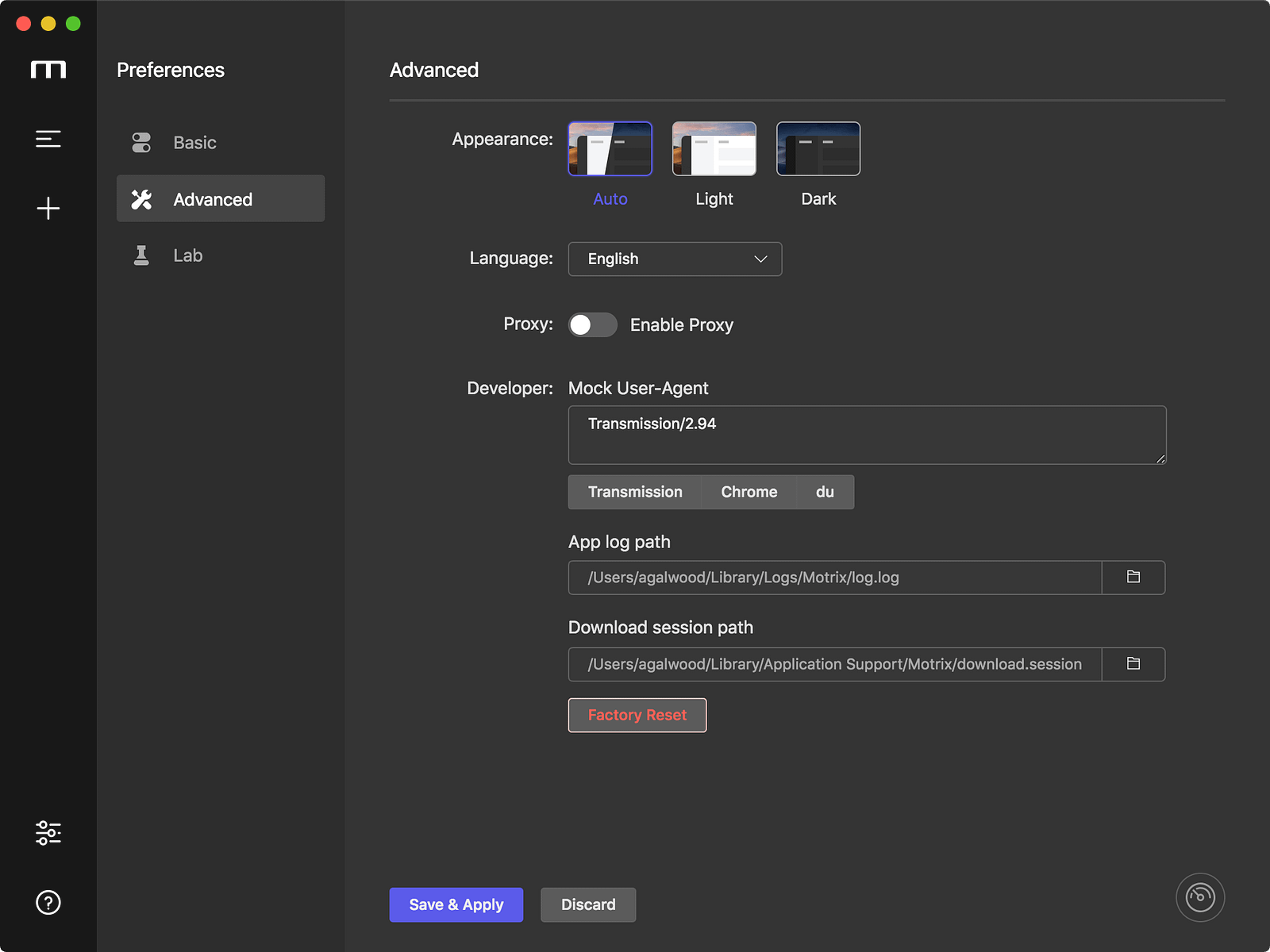
Preferences
This version adapts the system tray icon in dark mode.
In order to realize the feature that the system tray icon still has a small green light during downloading in the dark mode, the Template image in the Electron document is not used.
My approach is to switch between different icons depending on the system settings. If you are interested, you can read the code by yourself: P
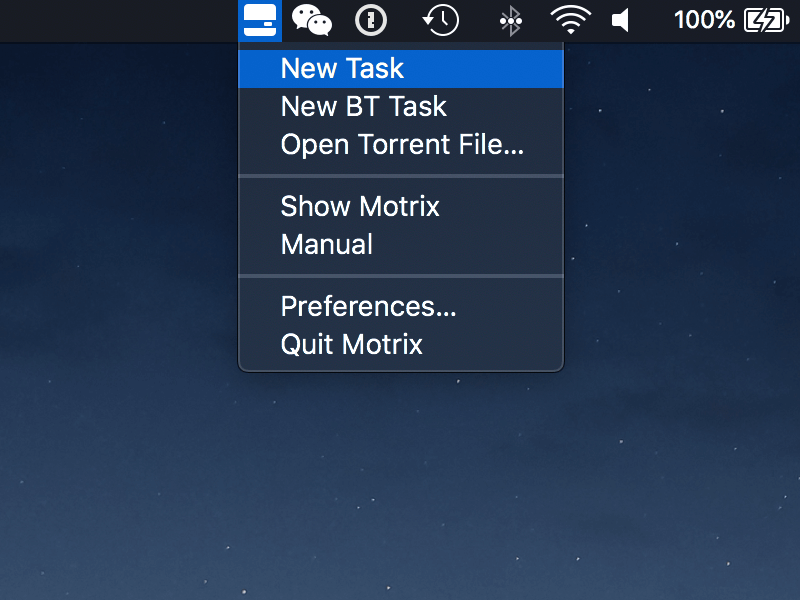
Tray (Normal)
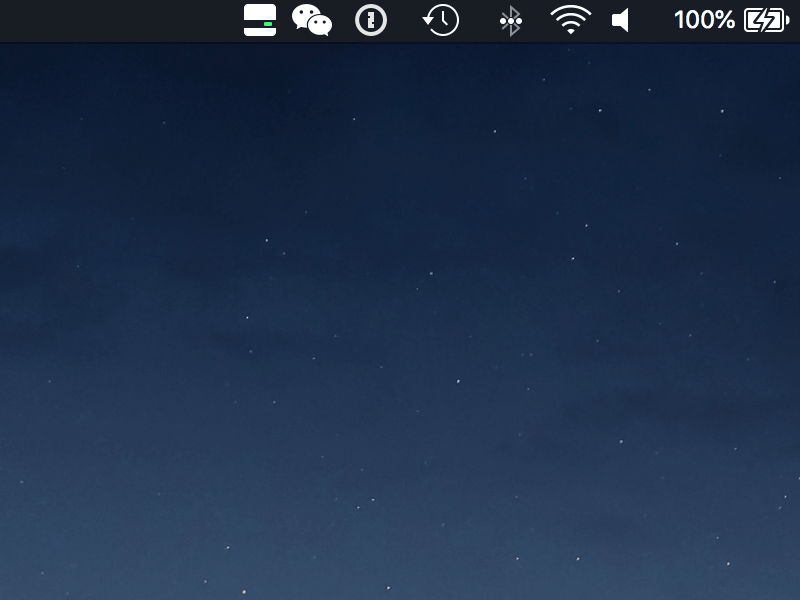
Tray (Downloading)
More screenshots
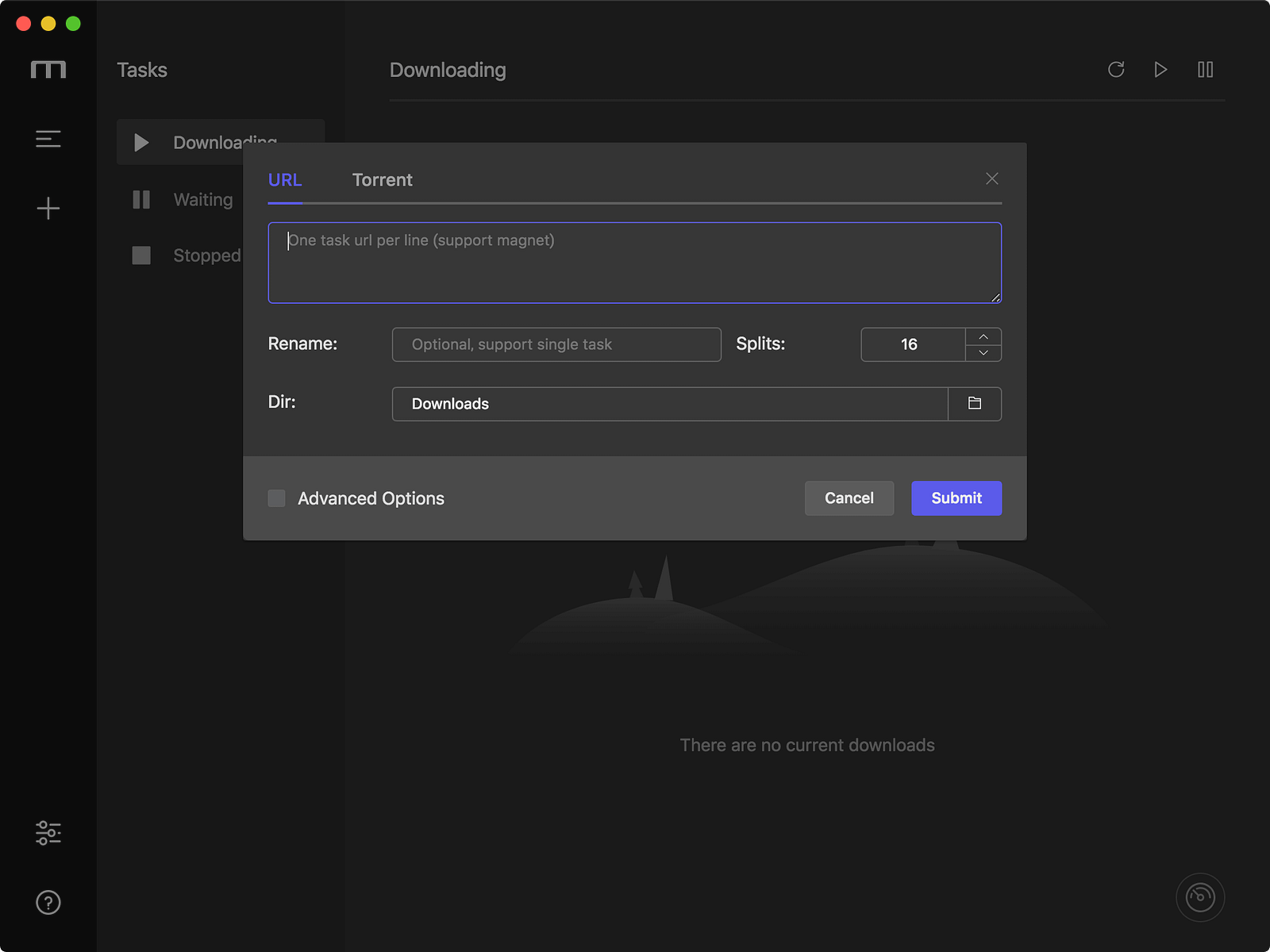
Add URL Task
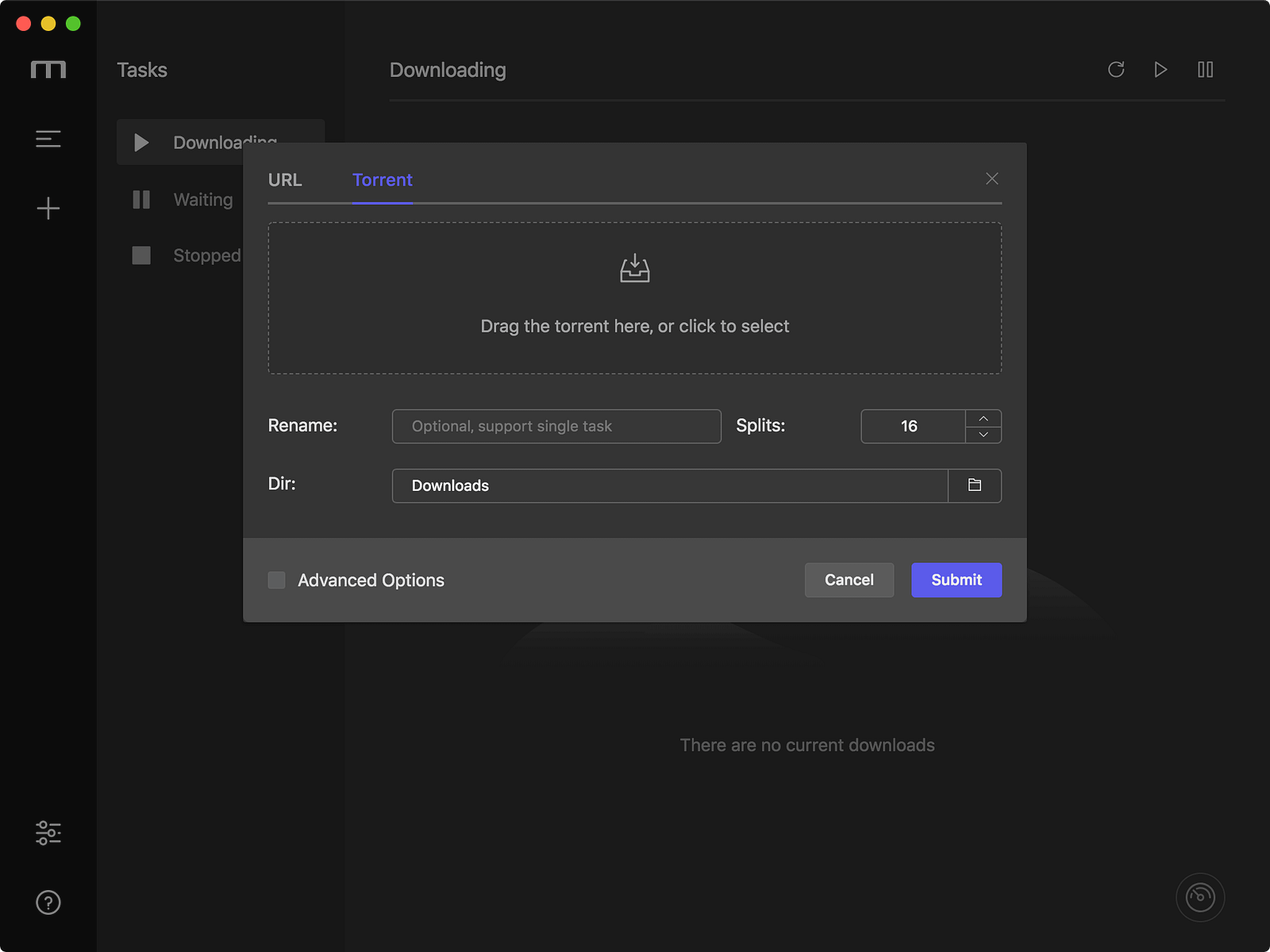
Add Torrent Task
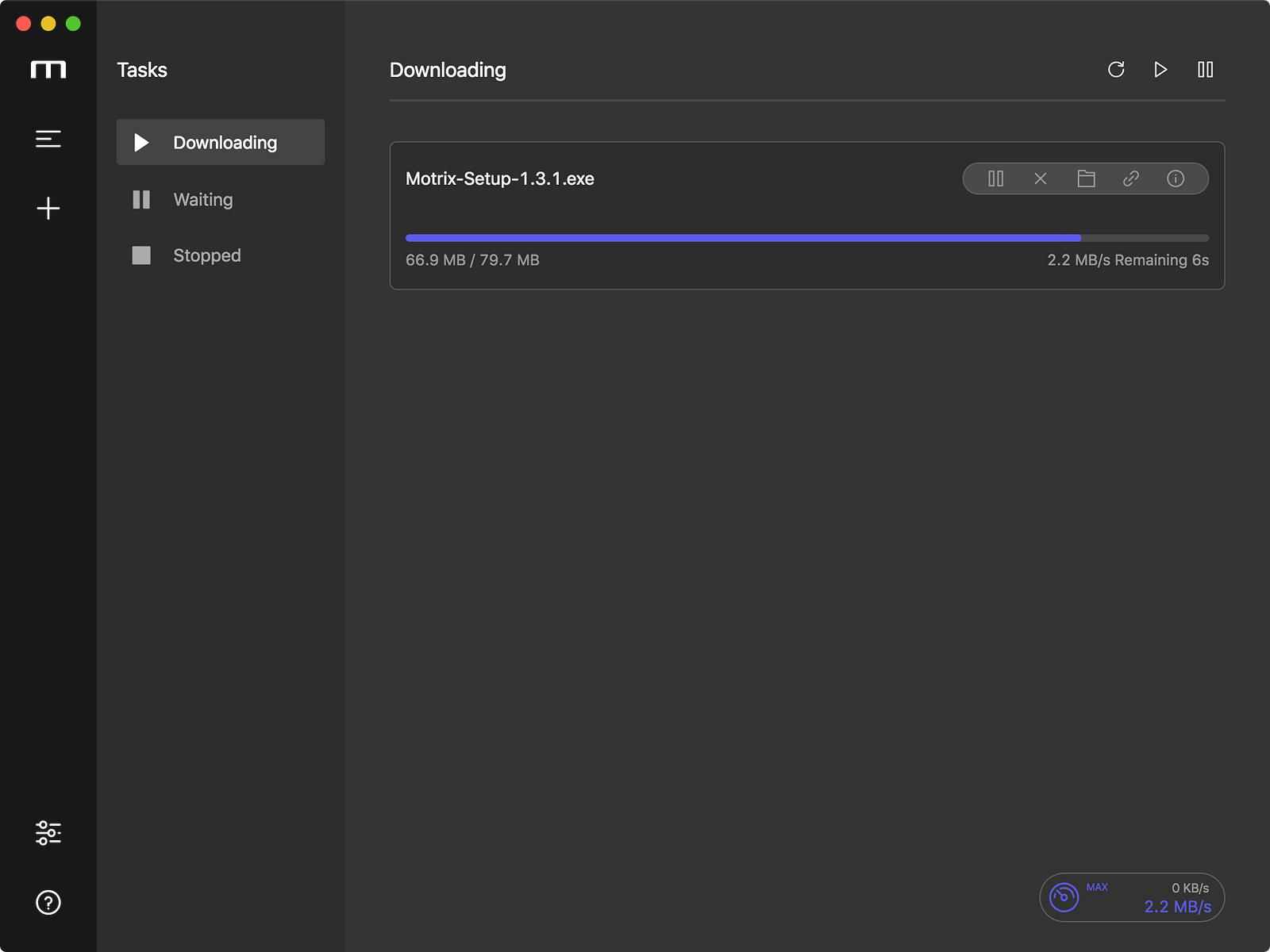
Downloading
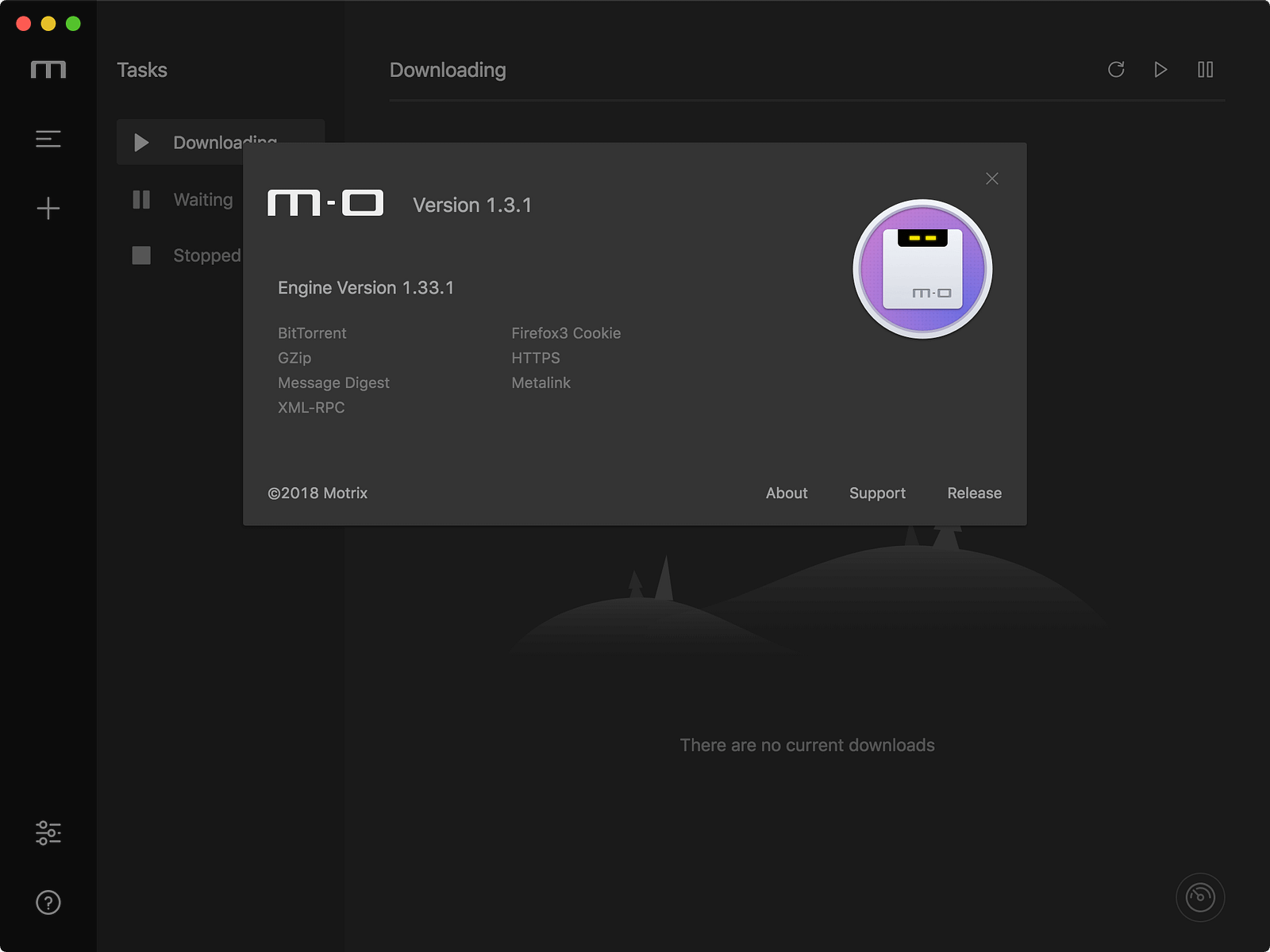
About
Automatically check for updates
Motrix is built using electron-builder, and the auto-update feature is also based on the functionality provided by electron-builder, so if Winodws and Linux users want to use the auto-update feature, install Motrix with NSIS and AppImage.
https://www.electron.build/auto-update#auto-updatable-targets
Thanks to Yi-Frank for contributing to the feature of automatically checking for updates when the app starts.
You can enable automatic check for update settings based on whether you meet the above requirements, Preferences — Basic — Auto Check Update
Internationalization
Three new translations have been added :
- Thanks to HBKRKZK for contributing the Japanese translation #225
- Thanks to Nima-Ra for contributing the Farsi translation #235
- Thanks to KOZ39 for contributing the Korean translation #236
Other updates
- Fix: Preference basic & lab save config fail #128
- Fix: Thunder link thunder:// parsing error #209
- Improve: Automatically trim each url when add task #221
- Improve: The text inside the app is no longer selected when dragging the app window #186
- Feat: Preferences edit or sync tracker server from ngosang/trackerslist
- Improve: After the BT task is downloaded, remind that you are seeding
- Improve: Some UI adjustments
More
For more information on Motrix, please pay attention to GitHub repo and official website updates.
GitHub Repo: agalwood/Motrix
Official website: https://motrix.app/